
Blushes
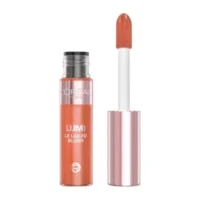
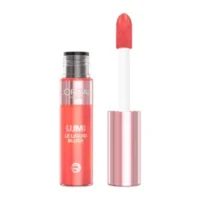
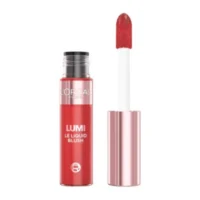
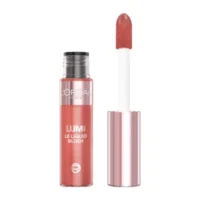
Learn more
Blush makeup products are brought together in one practical product grid, so you can begin with a broad view or move quickly toward a particular listing. Start by scanning the visible names, then use the available controls when you already have a brand, category, price range or product name in mind. This makes the page easier to navigate when you are comparing several makeup listings.
Navigate the blush product listings
The page displays up to 24 results in a three-column grid. First, review the products that appear in the current view. If the list is too broad, the brand control can help you focus on a preferred label. For example, Maybelline appears among the related brand options, while the product names in this category also include L’Oréal and Rimmel listings.
Next, use the category or gender controls when those options match the way you want to organise the results. The price control is useful when you want to keep the displayed products within a particular budget. However, these controls are only a starting point: each individual listing remains the right place to check the information supplied for that item.
If you know what you are looking for, the search field provides a more direct route. Enter all or part of a product name, then review the matching results in the grid. This can be more convenient than moving through every listing, especially when you are trying to locate a named product rather than browse the full category.
Compare makeup blushes by listing
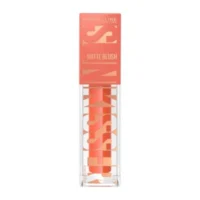
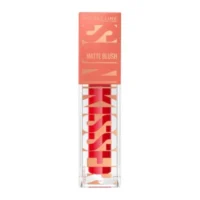
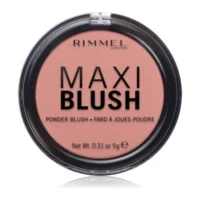
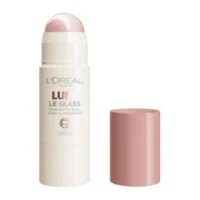
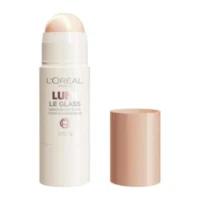
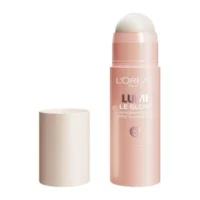
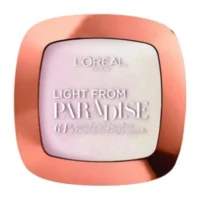
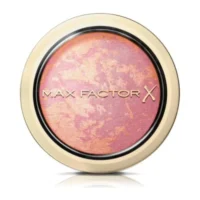
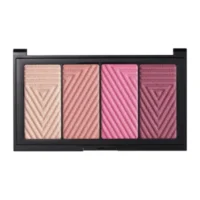
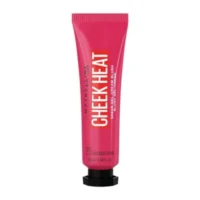
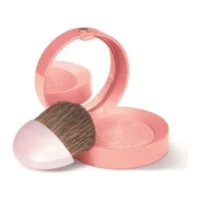
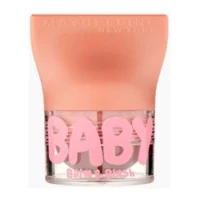
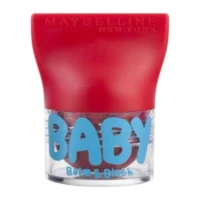
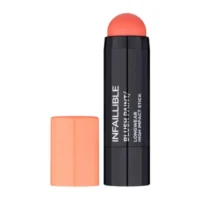
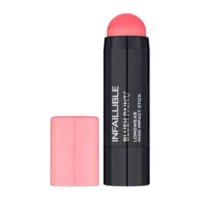
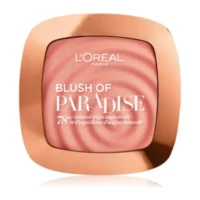
The visible range uses different product names and formats. Sample listings include Maybelline Baby Lips Balm & Blush products, L’Oréal Paris Blush Infallible Chubby items, L’Oréal Paris Blush Paradise and Rimmel Maxi Blush. Other visible names refer to highlighter sticks, so read each title carefully before opening a result.
As a result, the product title is a useful first checkpoint, but it is not a substitute for the item page. Open the listing that interests you and review the details provided there. Then return to the grid to compare another blush product using the same practical process.
For broader face-makeup browsing, you can also visit the Complexion category. Alternatively, the wider Makeup category can help when you want to move beyond blushes and view other makeup topics.
Choose your next blush listing
When you are unsure where to begin, keep the process simple. Start with the complete set of blush makeup products, apply one control, and check how the results change. Then add another control only if needed. This keeps the displayed list manageable without losing sight of the products available in the category.
When a highlighter-related listing catches your attention, the Illuminators category offers a related place to continue browsing. If your search is brand-led, you can also view the Maybelline product page for another route through the available listings.
Finally, use the search field again whenever you have a specific name to check. By combining the grid with the brand, category, gender, price and search controls, you can move from general browsing to a more focused blush listing without unnecessary steps.