

BB creme
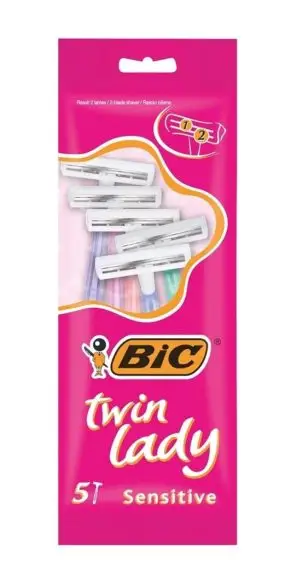
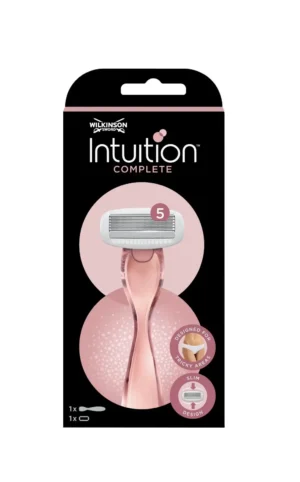


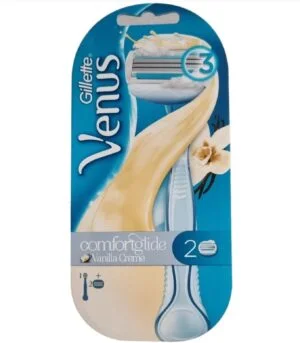
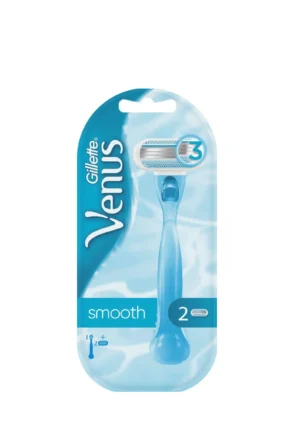

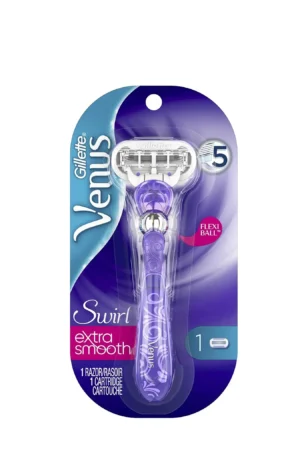
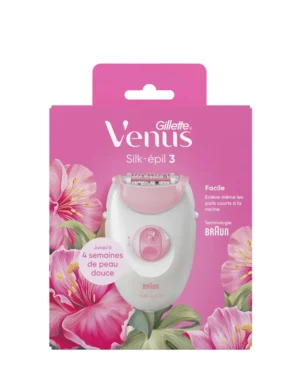

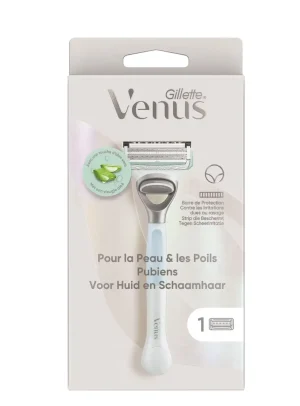
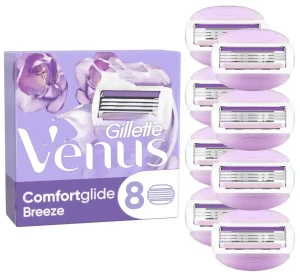
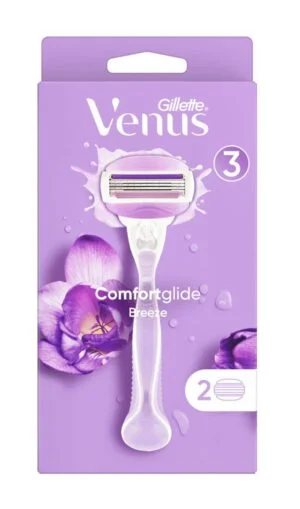
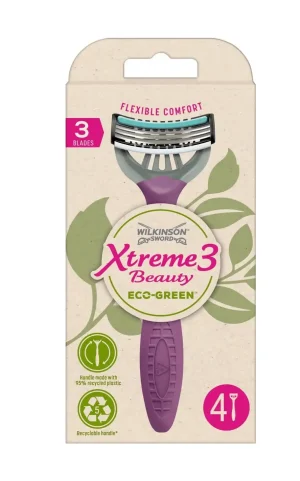

Razor machine products are gathered here in a dedicated page display that combines the “razor machine” topic with the configured label “BB creme”. The page is designed for browsing a visible group of shaving-related entries rather than presenting one individual product. As you review the grid, you can use the available controls to make the displayed results more focused.
What this razor products page includes
The shop component can show up to 24 entries in three columns. Therefore, the layout offers a compact visual overview that is easy to scan. The visible controls cover brands, gender, categories, price and search. Together, these options provide several practical ways to review the items shown on the page.
The product vocabulary represented in the supplied catalogue context includes razors, razor blades, disposable razors, shaving systems, refill blades and an epilator. Sample titles mention Gillette Venus products, Wilkinson Xtreme3 Beauty disposable razors, BIC Pure Lady disposable razors and a Gillette Silk-épil 3 epilator. These examples describe the naming found in the catalogue context; individual availability should be checked in the displayed entries.
In addition, the “BB creme” text identifies the configured shop display label. It does not confirm a product ingredient, formula, size or technical feature. For that reason, this page keeps its information centred on the displayed razor machine items and the browsing setup supplied for them.
Women’s razors, blades and shaving items
If you are looking for women’s shaving products, the related women’s razor category provides a more specific path. The catalogue examples also include products described as women’s razors, shaving systems and disposable razor blades. Meanwhile, the dedicated razor blade category may be useful when your search is centred on blades rather than complete razors.
Brand-based browsing is another option. For example, the supplied sample titles include Gillette and Wilkinson products, so you can continue with the Gillette brand page or the Wilkinson brand page when one of those names matches your search. This approach can be more direct than reviewing every visible entry.
How to review the razor machine display
Start with the search field if you already know part of a product name. Alternatively, use the brand option to organise results by maker, or use the category and gender controls when those details are more relevant to your search. The price control offers another way to narrow the displayed view, while the three-column format helps you compare the entry names and images at a glance.
Next, open an individual item to verify its own details. This is important because the page itself does not provide a complete ingredient list, size, price or technical specification for every product. Instead, it provides a structured place to review the available razor products and then move to the relevant item page for confirmed information.
Finally, the page can serve both a quick search and a broader overview. You may begin with a general scan of the three-column grid, then refine the results using a brand, category, gender or price option. If you want to explore the wider store, visit the verified Cosmod shop and return here for this focused display of razor machine products.